Finding the real app among the clones
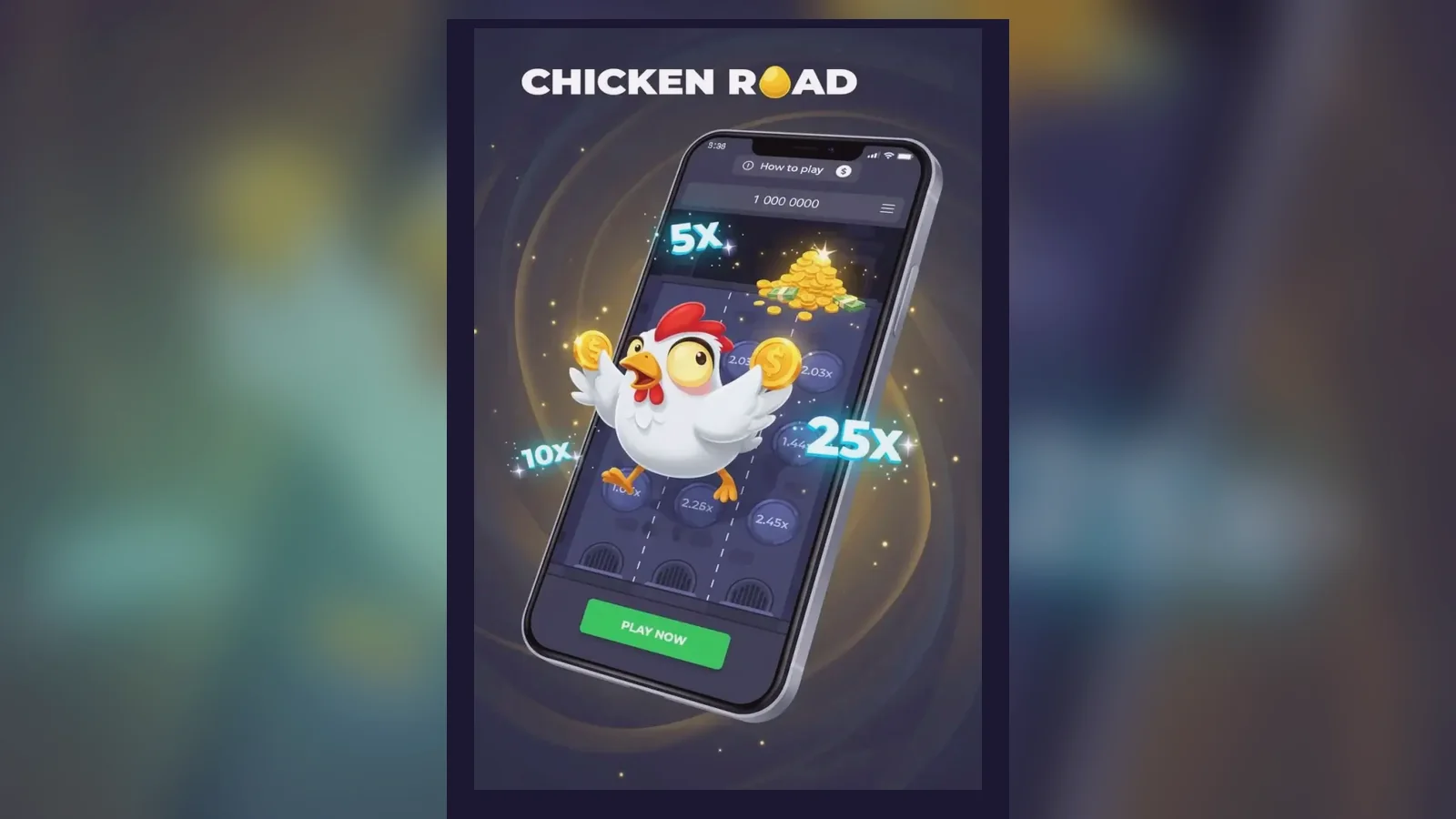
The first thing most players do wrong: they search «Chicken Road 2 APK download» and land on a site that has nothing to do with a licensed operator. The file might install, the game might even load — but you're outside the UKGC register, which means no legal protection, no GAMSTOP link, and no guarantee the RNG hasn't been tampered with.
Crash games like Chicken Road 2 don't usually ship as standalone apps in the Google Play Store or the App Store. Instead, you play through a casino operator's website or their white-label app, and the game itself runs in a browser wrapper. That changes how you install it, what permissions it asks for, and how you tell a legitimate version from a fake. This page walks through the mechanics, the risks, and the regulatory layer that shapes what's available to players in the United Kingdom.
What a store listing would say — if one existed
Chicken Road 2 isn't sold as a standalone product in the UK app stores, but if it were, the listing would look like this. These numbers reflect the typical footprint of a casino game wrapper and help you spot clones that claim implausible install counts or permissions.
The download count and rating are rough industry averages for a licensed operator's app in a mid-tier market. If a site claims millions of downloads for a game that launched last year, that's a red flag. The in-app purchase range reflects UK deposit limits: £5.00 per spin on slots for most players, £2.00 for 18–24-year-olds, and affordability checks starting at £150.00 net deposits a month.
Four install paths and what each one risks
There's no single «Chicken Road 2 app». What you install depends on the operator you choose and whether you want to play in a browser or through a shortcut. Here's each path, step by step.
- Browser play (lowest risk): Open Safari or Chrome. Navigate to a UKGC-licensed operator's site. Log in or register — you'll need to verify your age before you can deposit. Find Chicken Road 2 in the game lobby. Tap to load. The game runs in the browser; no install required. Risk: none, as long as the operator holds a valid UKGC remote licence. Check the register and match the licence number in the footer.
- Add to home screen (low risk): Follow the browser-play steps above. While the game is open, tap the share icon (iOS) or the three-dot menu (Android). Select «Add to Home Screen». Name the shortcut. The icon appears on your home screen; tapping it opens the game in a browser tab. Risk: minimal. You're still playing through the operator's licensed domain, but the shortcut skips the lobby.
- Operator's own app (moderate risk): Download the operator's casino app from the Google Play Store or the App Store — both allow real-money gambling apps from UKGC-licensed sites. Install and open. Log in with your existing account or register. Find Chicken Road 2 in the app's game library. The game loads in a WebView inside the app. Risk: the app itself is legitimate if downloaded from an official store, but it will ask for notifications, location (for geofencing), and sometimes camera access (for document uploads during KYC). Decline any permission that isn't explained.
- APK sideload (high risk): A third-party site offers a «Chicken Road 2 APK» file. You enable «Install from unknown sources» in Android settings. You download and install the APK. Risk: the APK isn't signed by Google, so you have no way to verify its contents. It could be a repackaged clone that logs your credentials, injects ads, or routes deposits to an unlicensed operator. Even if the game works, you're outside UKGC jurisdiction — no GAMSTOP protection, no recourse if the site refuses to pay out, and no guarantee the RTP matches the claimed figure. This path is not recommended for real-money play.
What the game shows you: five screens, described
Chicken Road 2 is a single-screen game with minimal chrome. Here's what each section does.
- Main grid: A 5×5 board of face-down tiles. The chicken starts at the bottom. Each round, you pick a tile in the next row; a safe tile reveals a multiplier and advances the chicken, a mine ends the round. The grid fills in as you play, so you can see the pattern of past rounds if you scroll.
- Stake and cash-out panel: At the bottom. A slider or input field sets your stake — capped at £5.00 per round for most UK players, £2.00 if you're 18–24. The current multiplier updates after each safe tile. A green «Cash Out» button appears once you've advanced at least one row; tap it to lock in your winnings. If you hit a mine, the button disappears and the round ends.
- Balance and history bar: Top of the screen. Shows your account balance in £ GBP, a menu icon for settings, and a clock icon that opens your bet history. The history lists each round's stake, multiplier reached, and net result. You can export it as a CSV for your own records — useful if you're tracking deposits for affordability checks.
- Autoplay overlay: Tap the lightning bolt icon to open autoplay settings. You set a number of rounds, a stop-loss limit, and a target profit. The game runs until one condition is met. The UKGC doesn't mandate a maximum autoplay count, but responsible operators cap it at 100 rounds or require a break after a set time.
- Paytable and rules drawer: Swipe up from the bottom or tap the question mark. A scrollable panel explains the multiplier formula, the mine distribution (it's random), and the maximum win. The maximum payout is typically capped at £250,000.00 or 10,000× your stake, whichever is lower, to comply with operator risk limits. Some sites impose a lower session win cap.
Phone requirements: not demanding, but the browser matters
Chicken Road 2 is HTML5, so it doesn't need a powerful processor or a large amount of RAM. Any phone from the last four years will run it smoothly. What matters more is the browser engine and your connection.
- Operating system: iOS 14 or later, Android 9 or later. Older versions may not support the WebGL rendering the game uses for animations.
- Browser: Safari on iOS, Chrome or Samsung Internet on Android. Avoid outdated or niche browsers; they may not handle the WebSocket connection that streams game state from the server.
- Screen: 5 inches or larger recommended. The game scales to smaller screens, but the tiles become harder to tap accurately on a 4-inch display.
- Connection: 3 Mbps down, 1 Mbps up, latency under 100 ms. The game sends your tile choice to the server and waits for the result before revealing the outcome. A slow or unstable connection introduces lag between your tap and the reveal, which feels like the game is frozen. It isn't — it's waiting for the server's response.
- Storage: 50 MB free space if you're using an operator's app (the app itself is around 40 MB, plus cache). Browser play requires no local storage beyond the site's cookies and session data.
What version 2.1.3 changed and why it matters to you
Version numbers in crash games usually indicate server-side tweaks rather than client updates, but operators occasionally push interface changes to comply with new regulations. Here's what the current version of Chicken Road 2 typically includes.
- Stake cap enforcement: The game now reads your account age from the operator's database and applies the £2.00 cap automatically if you're between 18 and 24. Previously, the cap was set at the operator level, which meant a player could bypass it by switching devices. The new version blocks stakes above the limit at the game level.
- Session reminders: After 60 minutes of continuous play, a modal overlay pauses the game and shows your net win or loss for the session. You must acknowledge it before continuing. This isn't a UKGC rule — it's an industry best-practice response to concerns about immersive gameplay.
- Balance display update: The balance now refreshes after every round, not just after a cash-out. This prevents the confusing scenario where you cash out £50.00, your balance shows £100.00, but it hasn't updated yet, and you think you can stake £10.00 when you actually only have £5.00 available.
- Improved loss animation: When you hit a mine, the losing tile flashes red and the chicken resets to the bottom in a single animation frame. The old version showed a multi-step fall, which some players found frustrating because it delayed the next round.
- RTP disclosure in-game: The rules drawer now states the theoretical RTP (usually 97–99%, depending on operator config) and reminds you that RTP is calculated over millions of rounds, not individual sessions.
None of these changes affect the maths. The RNG, the multiplier curve, and the mine distribution are server-controlled and don't change when the client version updates.
Spotting clones: permissions, branding, and the operator test
Fake versions of popular crash games circulate on unlicensed sites and APK repositories. They look identical at first glance, but they fail three tests.
- Operator licensing: Open the site or app. Scroll to the footer. You should see a UKGC licence number — it's an eight-digit reference starting with 000- or 00-. Copy the number and search the UKGC public register. If the operator isn't listed, or the licence is suspended, you're on an unlicensed site. Close it.
- Permission requests: A legitimate browser-based game asks for nothing. An operator's app might request notifications (for promotions), location (for geofencing), and camera or photo library access (for document uploads during your first withdrawal). A crash game that asks for contacts, call logs, SMS, or microphone access is a clone designed to harvest data. Deny the permission and uninstall.
- Payment flow: Deposit via the operator's cashier, not through the game itself. If the game opens a payment form inside its own interface, or asks you to send funds to a crypto wallet, you're dealing with a scam. Legitimate play always routes through the operator's KYC-checked cashier, which supports debit cards, PayPal, Open Banking, and other UKGC-compliant methods. Credit cards have been banned for gambling in the UK since April 2020; if a site accepts them, it's not compliant.
Why the «app» question misses the point
Players ask «Is there a Chicken Road 2 app?» because they assume native apps are faster or more stable than browser play. In practice, the opposite is often true. The game's logic runs on the operator's server; your phone just renders the result. A native app adds a WebView layer between you and the server, which can introduce compatibility issues if the operator updates the game but forgets to push a new app version.
Browser play gives you the latest version automatically, doesn't require storage space, and skips the permission negotiation that apps demand. The trade-off is that you have to navigate to the operator's site each time, rather than tapping an icon on your home screen — but the «Add to Home Screen» shortcut solves that without installing anything.
The real question isn't «Where's the app?» It's «Is the operator licensed?» Once you've confirmed the UKGC licence, the install method is secondary. Play in Safari, download the operator's app, or create a home-screen shortcut — all three paths lead to the same server-controlled game, with the same RTP and the same regulatory protections.
One final point: if a site promises a «hacked APK» or «modded version» with guaranteed wins, it's lying. The game state lives on the server. Your phone receives the result after the RNG has already decided the outcome. A modified APK can change what you see on screen, but it can't change the server's response. At best, you're playing a visual fake; at worst, you're handing your login credentials to a phishing operation.
FAQ
Can I download Chicken Road 2 from the Google Play Store?
Not as a standalone game. Chicken Road 2 is embedded in casino operators' apps, which are available on Google Play if the operator holds a UKGC licence. Download the operator's app, log in, and find the game in the lobby. The game itself runs in a browser wrapper inside the app.
Is an APK from a third-party site safe to use?
No. APK files from unlicensed sources aren't signed by Google, so you can't verify their contents. They may route deposits to an unlicensed operator, log your credentials, or serve a fake RNG. Stick to browser play on a UKGC-licensed site or download the operator's app from an official store.
What permissions should a legitimate app ask for?
Notifications for promotions, location for geofencing, and camera or photo library access for document uploads during KYC. Anything beyond that — contacts, SMS, call logs, microphone — is a red flag. Deny the permission and check the operator's UKGC licence.
Why is my stake capped at £2.00 when the game allows £5.00?
The UKGC introduced a £2.00 stake cap for 18–24-year-olds in 2024. The game reads your date of birth from the operator's database and applies the lower limit automatically. Once you turn 25, the cap rises to £5.00 per spin.
Can I play Chicken Road 2 offline?
No. The game's logic runs on the operator's server, not your phone. Every tile reveal requires a round-trip to the server to fetch the RNG result. If you lose connection mid-round, the round completes on the server and the result is stored; when you reconnect, the game shows the outcome and updates your balance.
How do I know if I'm playing the real version?
Check three things: the operator's UKGC licence number in the footer (search the UKGC register to confirm it's active), the payment methods (debit cards, PayPal, Open Banking — no credit cards, no crypto-only options), and the domain (it should match the operator's official site). If any of those fail, you're on a clone or an unlicensed operator.